
How to Turn a Blog Post Into a Video With Revid AI
Revid AI's blog-to-video tool converts any blog post URL into a captioned, voiced, ready-to-publish video in three steps: paste the URL, customize the style and voice, and generate. The AI extracts the key content from the article, writes a short video script from it, generates matching visuals, adds natural AI voiceover, and assembles the final output with captions and transitions — without manual editing.
That's the process in one sentence. Below is exactly how to do it, step by step, plus what to check before publishing the result.
- Input needed: just a blog post URL — no script-writing required.
- Steps: paste URL → customize style/voice/aspect ratio → generate → download or auto-publish.
- Output: captioned video with AI voiceover, transitions, and background music, sized for the platform you choose.
- Best for: repurposing existing written content (blog posts, articles) into short-form video without starting from a blank script.
Step-by-step: blog post to video
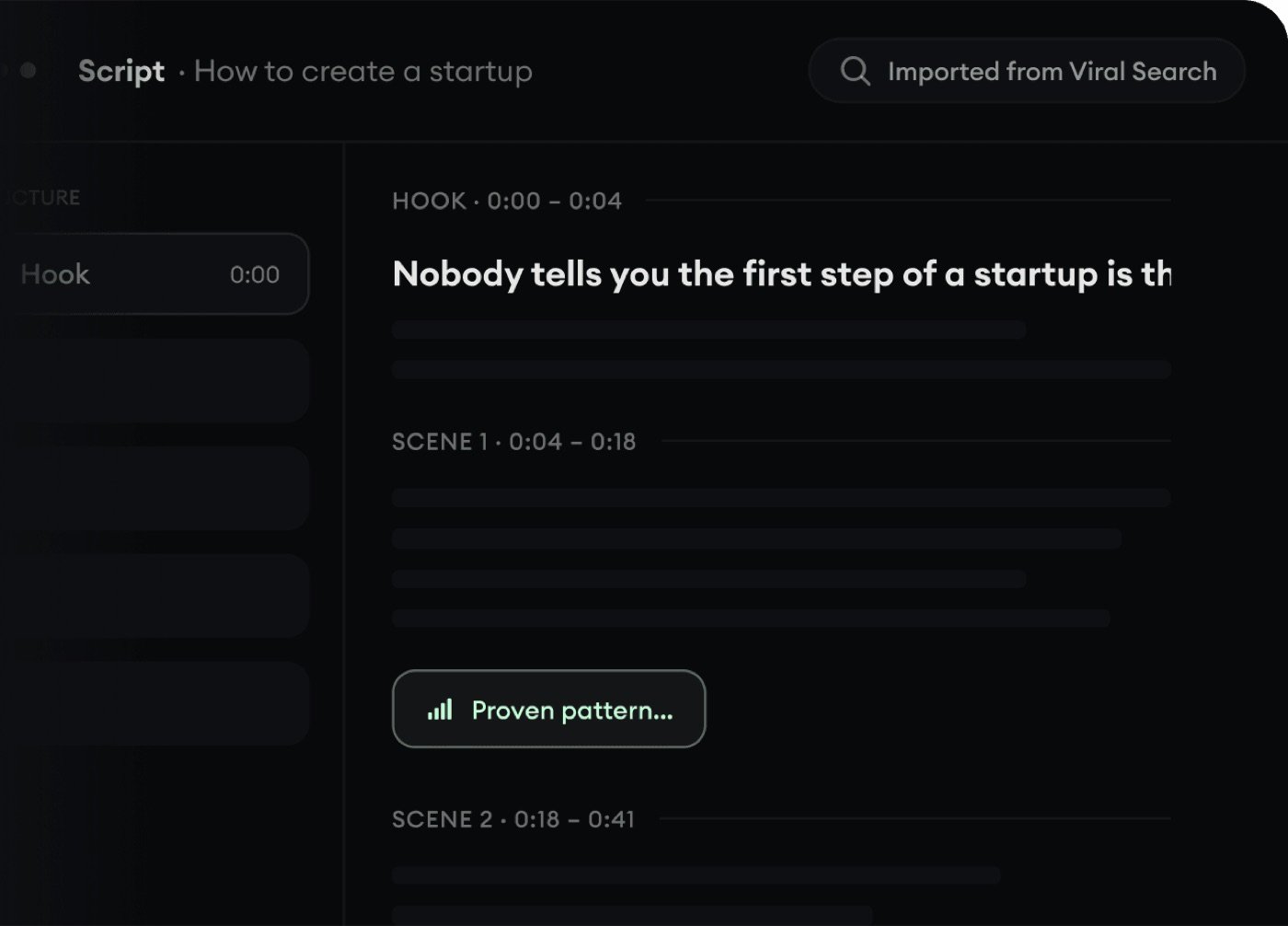
- 1Paste your blog post URL into Revid AI's blog-to-video tool: The AI automatically extracts the article's key content — no need to copy/paste the text yourself or write a script from scratch.
- 2Choose your video style, aspect ratio, and AI voice: Pick between stock footage, AI-generated visuals, or animated images for the visual style, and select an aspect ratio matching your target platform (vertical 9:16 for TikTok/Reels/Shorts, or other formats as needed).
- 3Click generate: The system identifies the key information in the article, writes a short video script from it, creates matching visuals for each section, adds AI voiceover narration, and assembles everything with captions, transitions, and background music.
- 4Review and fine-tune: Before publishing, check the auto-generated script against the source article for accuracy, adjust timing or captions if needed, and swap any visuals that don't match the intended tone.
- 5Download or auto-publish: Export the finished video directly, or — on the Growth tier and above — publish it straight to TikTok, YouTube, or Instagram without leaving the platform.
Tips for better results
- Use well-structured source articles. Blog posts with clear headings and a logical flow convert more cleanly into a coherent video script than long, unstructured text.
- Review the auto-generated script before publishing. The AI condenses the article into a short-form script, which means it's summarizing and prioritizing — always check the output represents your original content accurately rather than assuming a perfect one-to-one translation.
- Match aspect ratio to your actual platform. Choosing 9:16 for a piece headed to YouTube long-form (which favors 16:9) is a common early mistake — confirm the target platform before generating rather than after.
- Budget credits for revisions. Per user reviews, credit consumption can add up quickly with repeated generations — plan for at least one or two regeneration passes rather than assuming the first output will be publish-ready.
Frequently asked questions
Do I need to write a script to use Revid AI's blog-to-video tool?
No — paste the blog post URL and the AI extracts the content and writes the script automatically. You can review and adjust the result, but writing one from scratch isn't required.
What visual styles are available?
Stock footage, AI-generated visuals, or animated images — selectable during the customization step before generation.
Can I publish the finished video directly to social media?
Yes, on the Growth tier and above, Revid AI can auto-publish directly to TikTok, YouTube, and Instagram without a separate export/upload step.
How long does blog-to-video conversion take?
The platform describes the process as fast, though exact generation time varies with video length and visual style chosen — budget a few minutes per video rather than expecting instant output.
Will the video be identical in framing to my blog post, or will content be cut?
The AI condenses the article into a short-form script, prioritizing the key points rather than including everything verbatim — review the generated script against your original article before publishing to confirm accuracy.
Does this work with any blog, or only certain platforms?
The tool is designed to extract content from a general blog post URL, though very unusual page structures (heavy JavaScript rendering, paywalled content) may not extract cleanly — a standard, publicly readable blog post works best.
The verdict
Revid AI's blog-to-video tool removes the most tedious part of repurposing written content into video — script-writing — and the direct-to-social publishing option is a genuine time-saver if you're already committed to the platform. The main thing to budget for is review time: treat the first generation as a strong draft to check against your source article, not a guaranteed final cut.
Related guides
This article contains affiliate links. We may earn a commission if you purchase through them.